
A hunt can be a list to check, a search for objects, or a sequence of clues. The useful first question is what the available space and group can actually support. This page compares ways to organise the game; it does not include a prepared hunt sheet or clue pack.
Four ways to run a search
These are original setup examples to adapt. Kite & Grid does not provide a prepared hunt or clue pack.
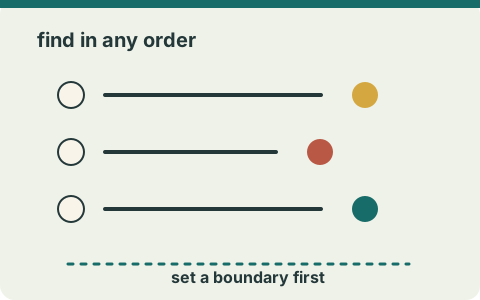
Checklist hunt
For one room, write three prompts: find something patterned, something that opens and something made of wood. People point to each match and mark the prompt; the organiser first checks that each category is present.
A checklist need not be followed in order, but every item must fit the boundary.
Indoor hunt setup guide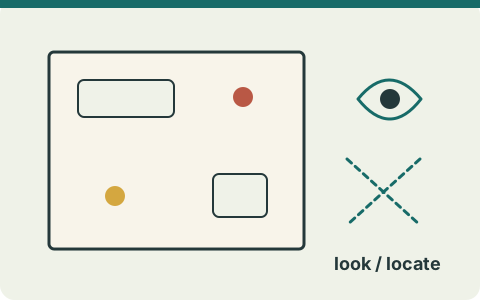
Observation or object search
In a room with a patterned cushion, a lidded box and a wooden shelf, people can point to those objects rather than move them. If an item is absent, replace that prompt before play.
Decide whether players merely observe, point or collect; state the rule.
Compare hunt formats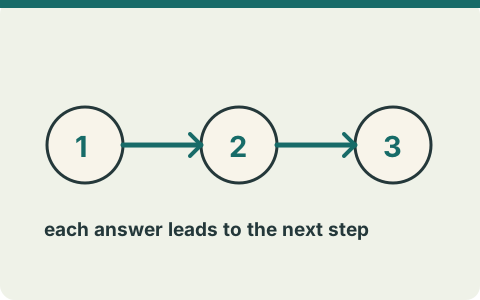
Clue chain
A short chain could start at a table, lead to a coat area, then finish at a checked shelf. The organiser writes each clue, places it at the intended spot and walks the entire sequence before anyone begins.
Each answer must lead to the next actual location; a missing step breaks the chain.
Choose a clue-chain structure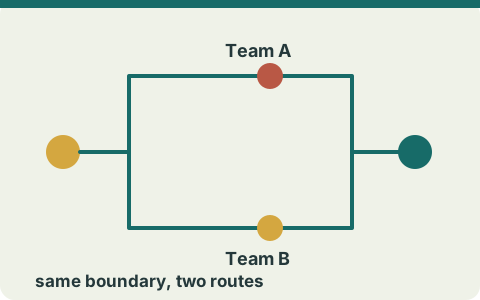
Pairs or teams
Two pairs can share the same short list in separate rounds. Decide who reads, who marks and whether objects stay in place for the next pair.
Shared materials and reset rules matter more than a team label.
Adapt the hunt to a groupChoose the search structure
| Structure | Organiser prepares | Fit to inspect | Main trade-off |
|---|---|---|---|
| Checklist | A short set of things to notice or find | Can each prompt be seen or found within the stated boundary? | Easy to explain, but vague or unavailable items need rewriting. |
| Object search | A defined set of objects and a return or pointing rule | Where are the objects and who may move them? | Uses physical items, so setup and reset need attention. |
| Clue chain | A starting clue and a checked next step for each answer | Will the sequence still work if someone misses a step? | Offers a sequence to follow, but each link needs a separate check. |
An observation-led bingo round is another option when the key action is marking a grid; the bingo guide compares that structure. If you are deciding among paper-friendly formats more broadly, see Printable Activities.
Put boundaries and rounds in plain words
Name the rooms or areas included. Name any areas excluded. Decide whether people look, point, mark or move objects. Decide whether the round ends after a set of prompts, after a shared check or when the facilitator calls a stop. A small space may favour observable prompts over hidden objects; a larger area needs a boundary that participants can understand. These are choices to test against the actual setting, not general guarantees.
Decide how the group participates
One person can use one list; pairs can share a list; a group can work from a single prompt sequence. If the group shares a sheet, decide who reads and records. If several teams use the same items, decide whether items remain in place for the next team. The indoor scavenger hunt setup guide walks through space, item count, teams and materials in detail.
Check the plan before anyone begins
- Walk through the intended boundary and confirm every prompt is usable there.
- Remove or replace any prompt that depends on an unavailable object or unclear clue.
- Check the materials and the method for marking or checking progress.
- State the start, finish and reset rules to the group.
Browse the three current guides for other activity choices. For an editorial correction, Contact is the intended channel when it is active.